Photo Puzzle
Build a puzzle on a 100 x 100 picture grid.
The chosen photo is a square flower, so the corners stay simple:1,1 is the top left and 100,100 is the bottom right. Click or drag on the board to reveal parts of the picture.
Controls
Reveal, cover, or jump to a square.
0 of 10,000 squares revealed. Brush: reveal.
Brush
Pick A Photo
Start with the flower, or pick one of your own photos.
Keyboard help: focus the board, use arrow keys to move, then pressSpace or Enter to use the current brush.
Chosen Photo
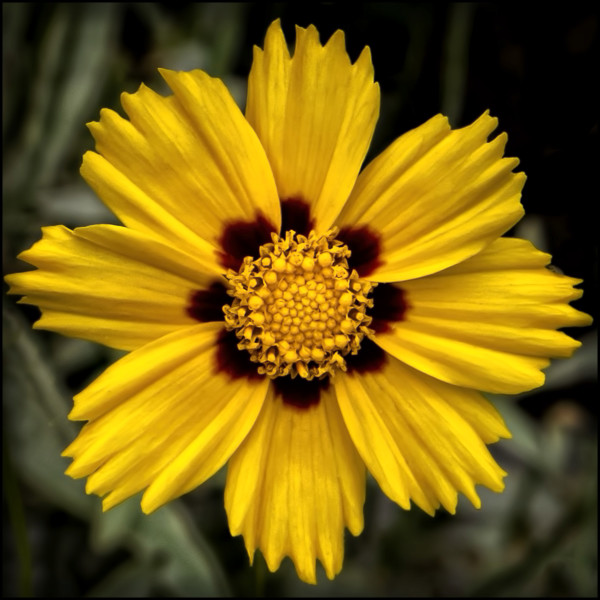
Yellow flower on a square board
This photo was picked because it is already square, so1,1, 1,100, 100,1, and100,100 line up cleanly with the corners.
Puzzle Board
100 x 100 grid view
The whole photo shows above. The numbered board below keeps the same corners: 1,1 is top left and 100,100 is bottom right.
Picked Camera
Camera row 1, column 1
Hover, tap, or use the keyboard on the board to read a square.